
|
|
|
|
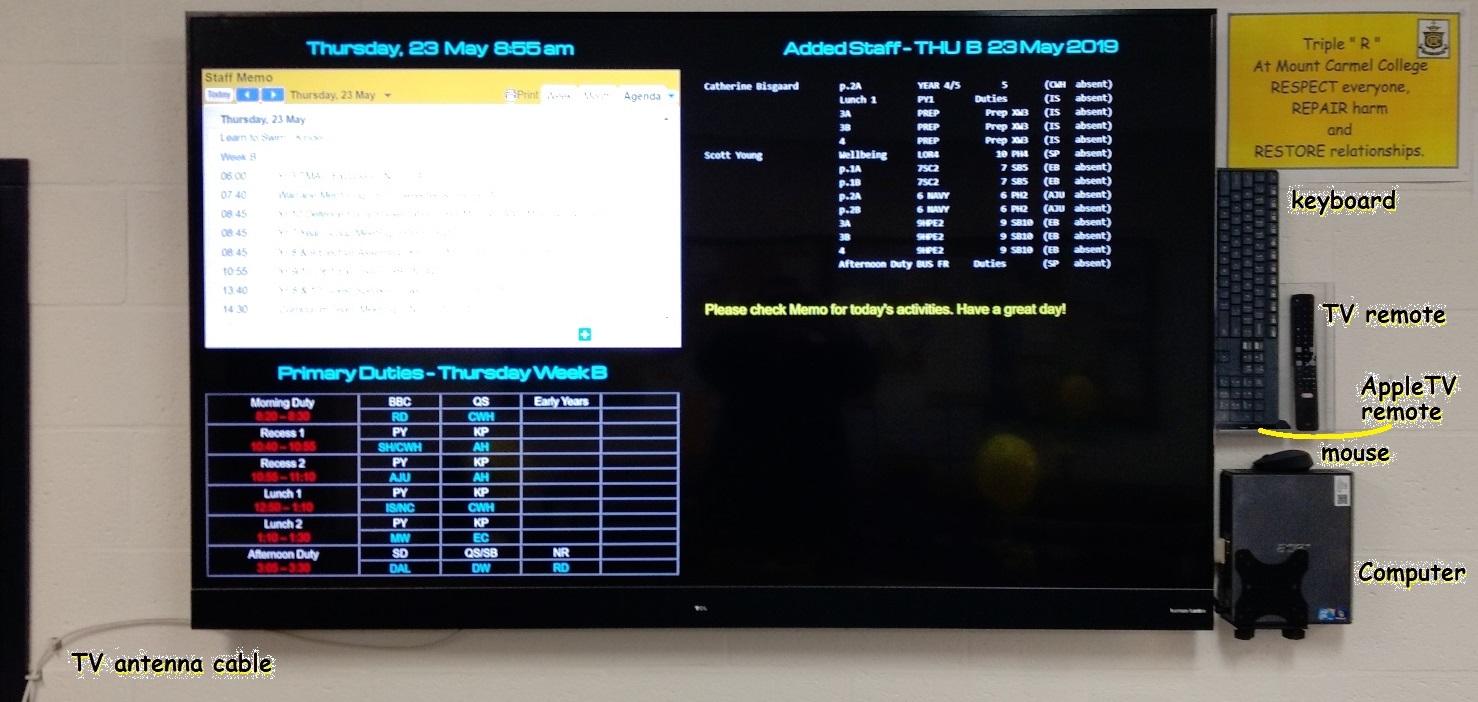
The TV screen in the Staff Lunch Room (SC1) can work with free-to-air TV and is also used as a monitor for a Windows PC and AppleTV box. The PC is connected to HDMI1 and the AppleTV to HDMI2. The picture below shows where all the components should be.
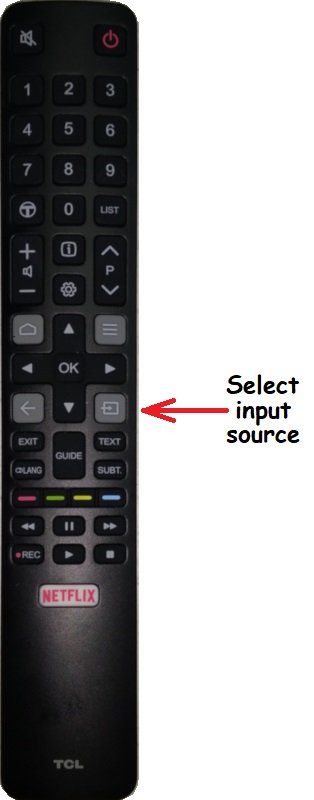 |
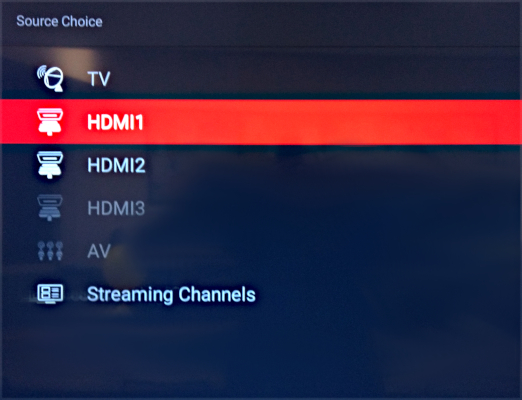
The TV remote control allows you to select between TV, PC and AppleTV. Press the input source button (see picture) and then select:
|
The PC runs Windows10 and has local login to allow the Staff notices to be displayed. Login as:
You may log out of this user and log in as any other user if the screen is needed for meetings or presentations.
The antenna cable is connected to a powered, amplified indoor antenna sitting on the window sill.